
MODULE 01 · COORDINATION
Turn every site action into visible accountability.
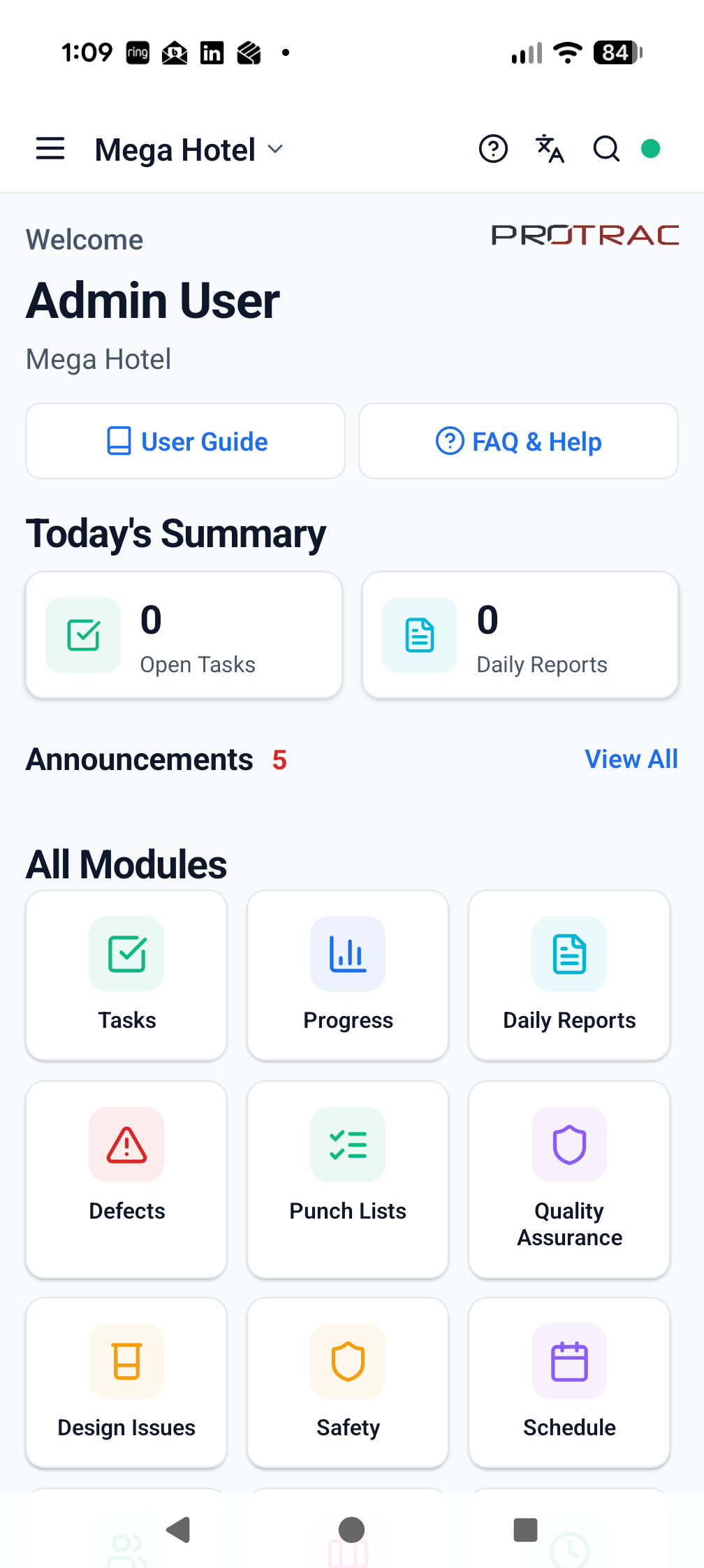
Create, assign and follow site actions with a clear owner, location, priority and due date.
PROJECT BENEFITKeep responsibility visible and reduce the time supervisors spend chasing updates.
FEATURES AND BENEFITS
What Tasks adds to the project.
The module is connected to the same live project structure, participants and evidence trail as the rest of ProTrac CMS.
WHAT TEAMS CAN DO
Create actions against the relevant project location or work area.
Assign responsibility, priority and required completion dates.
Add notes, photographs and supporting project evidence.
Track open, in-progress and completed work from one current view.
WHY IT MATTERS
Give each action a clearly identified owner.
Reduce verbal follow-up and disconnected task lists.
Escalate overdue work while there is still time to act.
Retain a usable evidence trail when work is completed.
CONNECTED WORKFLOWS
Tasks does not sit in isolation.
Move directly to the related modules that use, create or act on the same project information.
Delivery visibilityProgress
Replace delayed progress consolidation with a live, location-based view of delivery.
Explore module →Quality controlDefectsIdentify, assign and rectify problems sooner instead of discovering them during late closeout.
Explore module →CommunicationAnnouncementsGive project teams one visible source for important updates instead of relying on fragmented messages.
Explore module →See Tasks working on your project.
Start with the complete, fully working seven-day version of ProTrac CMS.